Branch Holidays
Branch Holidays
- You can have separate holiday set for each branch
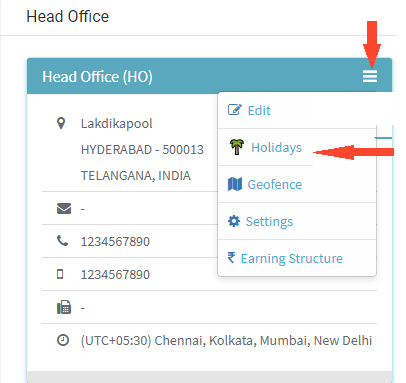
- To define holidays for the branch, navigate to Company > Branches
- Click on three lines at the right top corner and select Holidays

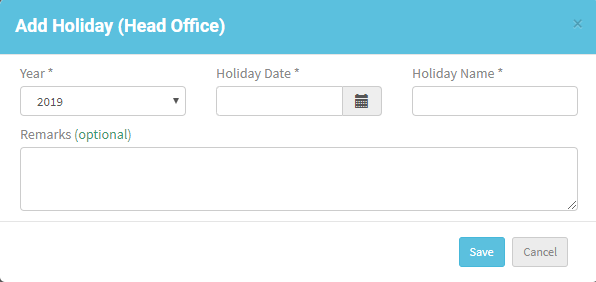
- Click on New Holiday
- Enter details like Year, Holiday Date, Holiday Name, also can enter Remarks if required.
- Click Save
- Holiday details are displayed on the page
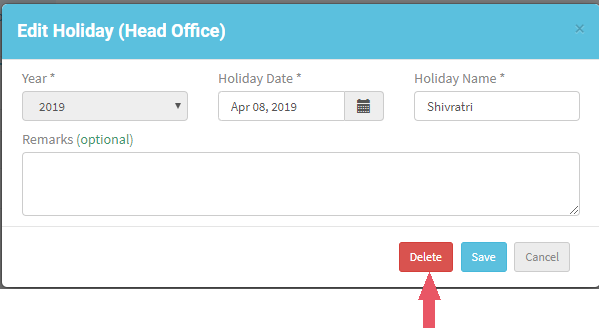
- Click on Edit, modify required changes, click Save
- Can’t add same date multiple times
- You can also delete a holiday
- Click Edit, click Delete, holiday will be deleted